
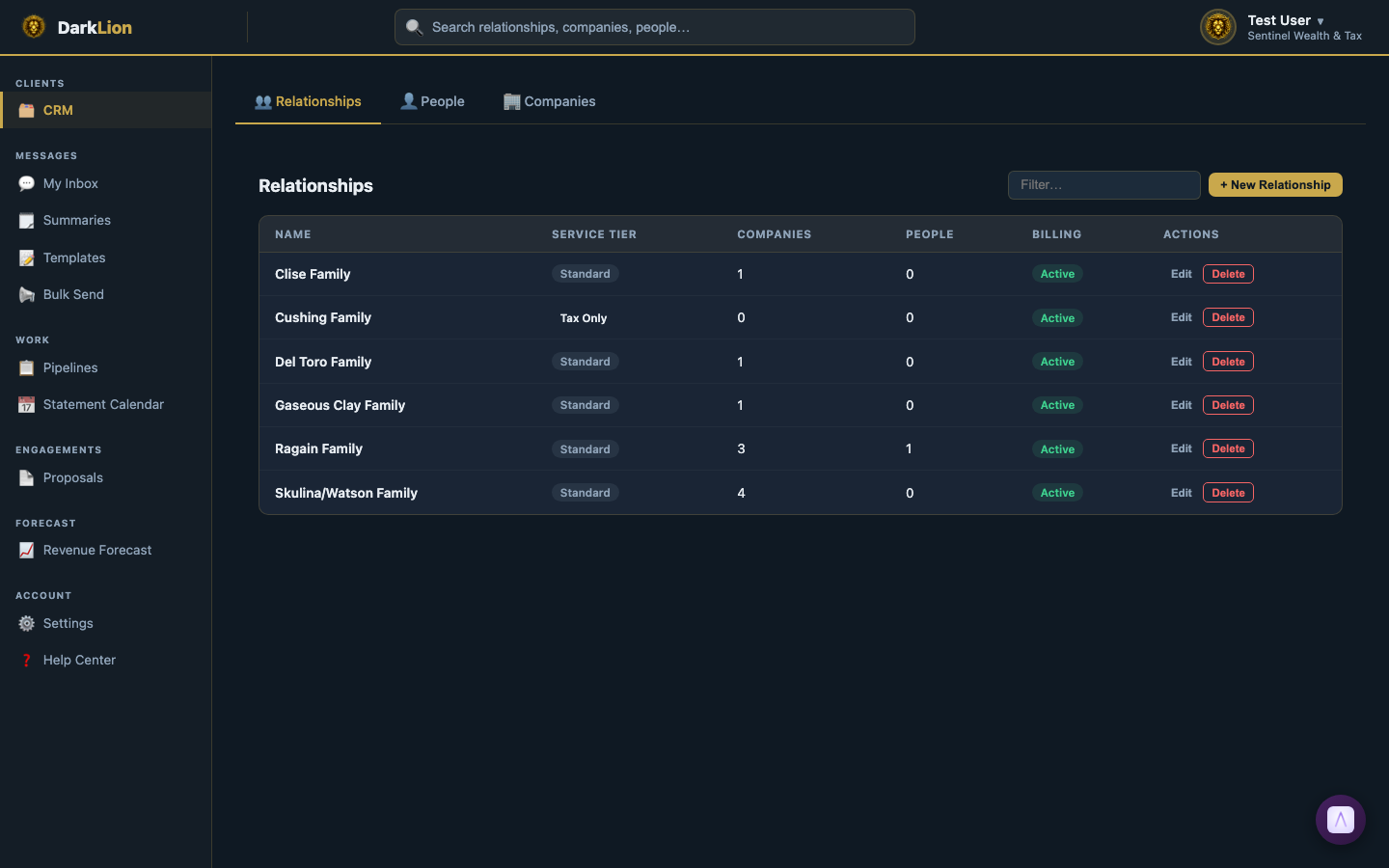
The CRM (Client Relationship Manager) is the central hub for all client data in DarkLion. Navigate to it using the 🗂️ CRM link in the left sidebar.
The Three Tabs
- Relationships — All client households and groups. This is the primary view for most staff work.
- People — All individuals across all relationships. Useful when you need to look someone up by name or email.
- Companies — All business entities. Filter by entity type or bookkeeping service.
Searching and Filtering
Each tab has a Filter… search box that filters the list in real time. You can also use the global search bar at the top of any DarkLion page (the magnifying glass) to search across all three entity types at once.
Detail Pages
Click any row in the CRM to open the full detail page for that entity. Each detail page has tabs specific to that entity type:
- Person detail: Overview · Docs · Tax · Communication · Organizers · Workflow · Notes
- Company detail: Overview · Docs · Tax · Bookkeeping · Communication · Organizers · Workflow · Notes
- Relationship detail: Overview · Notes · Billing
Adding New Records
- + New Relationship — on the Relationships tab
- + New Person — on the People tab
- + New Company — on the Companies tab
When you add a Company, portal access is automatically granted to all People in the same Relationship. You don't need to manually link them.